
- -25%


15 days to change your mind


Mon-Fri 09:00-17:00

+31613071127

what other customers say about us

Our team is always ready to support you.

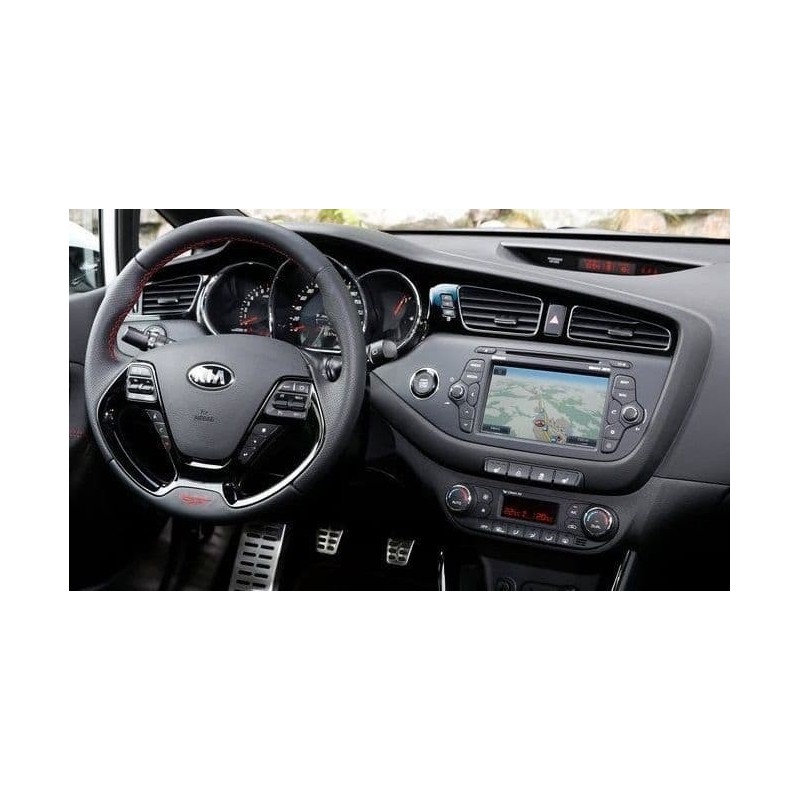
This navigation update is suitable for: Hyundai KIA GEN 1
The update is delivered on a USB.
Map: Europe 2026
USB Also contains firmware, software + Bluetooth update
Send us an email with a photo of the software version of your navigation system.
Secure payment
Order today, shipped within 24 hours
Return policy
15 days to change your mind
contact@navi-europe.com
Opening hours
Mon-Fri 09:00-17:00
Whatsapp
+31613071127
Read up Trustpilot
what other customers say about us
Good service
Our team is always ready to support you.
The USB navigation update is suitable for the following models:
Kia Carens (from 2013 -2015)
Kia Optima (from 2011-2015)
Kia Rio (from 2011-2015)
Kia Venga (from 2009-2015)
Kia Sportage (from 2010-2015)
Kia Sorento (from 2010-2015)
Kia CEED (from 2010 - 2015)
Hyundai ix 35 (from 2010)
Hyundai Santa Fe (from 2010)
Hyundai ix 20 (from 2010)
Hyundai i30 (from 2010)
Hyundai i40 (from 2011)
Hyundai Veloster (from 2011)
COVERAGE:
Albania, Austria, Belarus, Belgium, Bosnia and Herzegovina, Bulgaria, Croatia, Czech Republic, Denmark, Estonia, Finland, France, Germany, Greece, Hungary, Iceland, Ireland, Italy, Kosovo, Latvia, Lithuania, Luxembourg, Macedonia (FYROM), Moldova, Montenegro, Netherlands, Norway, Poland, Portugal, Romania, Russian Federation, Serbia, Slovakia, Slovenia, Spain, Sweden, Switzerland, Turkey, Ukraine, United Kingdom
If your model is not listed, send me a message!
We also have updates for GEN 2, GEN 3, GEN 4, and GEN 5!
Update process:
1. Start the engine, turn on the radio, switch to MAP and back to RADIO.
2. Insert the USB stick into the USB port of your navigation system, and the system will display the old and new versions. Press "OK," and the update process will start (the entire process takes approximately 90 minutes). Connect the USB stick to your navigation device, which will automatically detect the software update on the USB stick.
3. Accept the update with OK and ensure the engine keeps running while the software is updated (this process takes approximately 90 minutes).
4. The update may sometimes look like it is locked, be patient and wait!
DO NOT REMOVE THE USB STICK BEFORE THE UPDATE IS COMPLETE ; the device will restart several times during the update process.
5. After the update is complete, the system will reload the software with the same versions as your system; simply click cancel and then remove the USB stick.
This navigation update is suitable for: Hyundai KIA GEN 1
The update is delivered on a USB.
Map: Europe 2026
USB Also contains firmware, software + Bluetooth update
Send us an email with a photo of the software version of your navigation system.