
- -10%


15 days to change your mind


Mon-Fri 09:00-17:00

+31613071127

what other customers say about us

Our team is always ready to support you.

Category: SUZUKI SD card
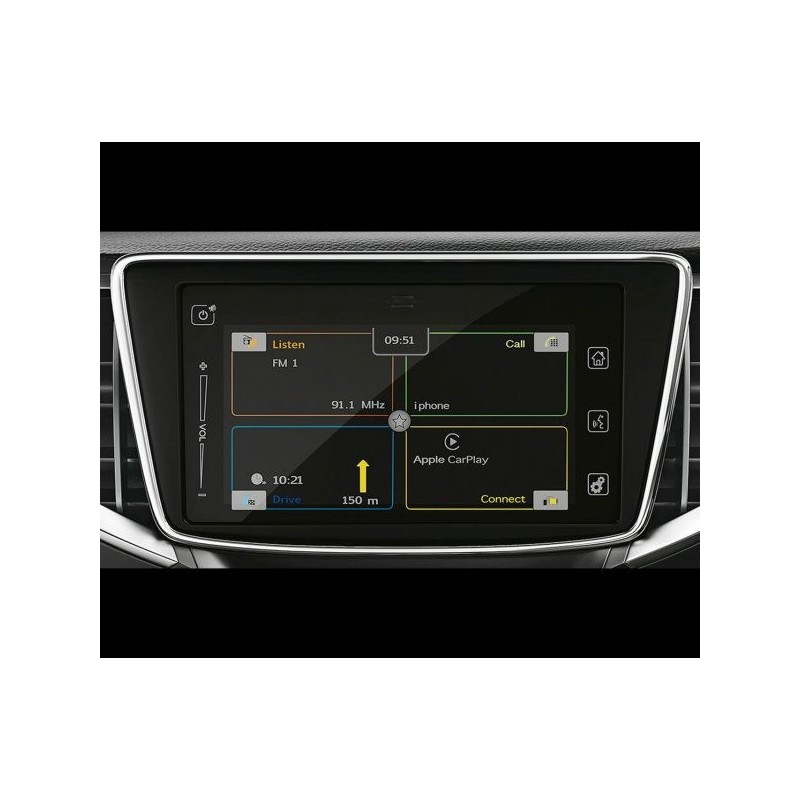
This firmware update is suitable for: Suzuki SLDA 1891
The update is delivered on a USB.
1. How do I check the software version?
To see which version is installed on your radio, simply press the Settings button for about 10 seconds and then select Software Version.
Secure payment
Order today, shipped within 24 hours
Return policy
15 days to change your mind
contact@navi-europe.com
Opening hours
Mon-Fri 09:00-17:00
Whatsapp
+31613071127
Read up Trustpilot
what other customers say about us
Good service
Our team is always ready to support you.
* Bug fixes
Improvements
* CarPlay support
* Android Auto support
Suitable for the following vehicles/models:
Installation :
1. Turn on your radio and insert the stick into the USB port.
2. After a short time, you should see a message that an update has been found.
3. Confirm the message and the update should now start.
4. To save the car battery, I would perform the update while the engine is running.
5. The update takes about 20 minutes.
Category: SUZUKI SD card
This firmware update is suitable for: Suzuki SLDA 1891
The update is delivered on a USB.
1. How do I check the software version?
To see which version is installed on your radio, simply press the Settings button for about 10 seconds and then select Software Version.